Free App Store Screenshot Maker: Best Options for 2026
Looking for a free App Store screenshot maker? Here are practical options, limitations to watch, and a workflow that still looks premium.
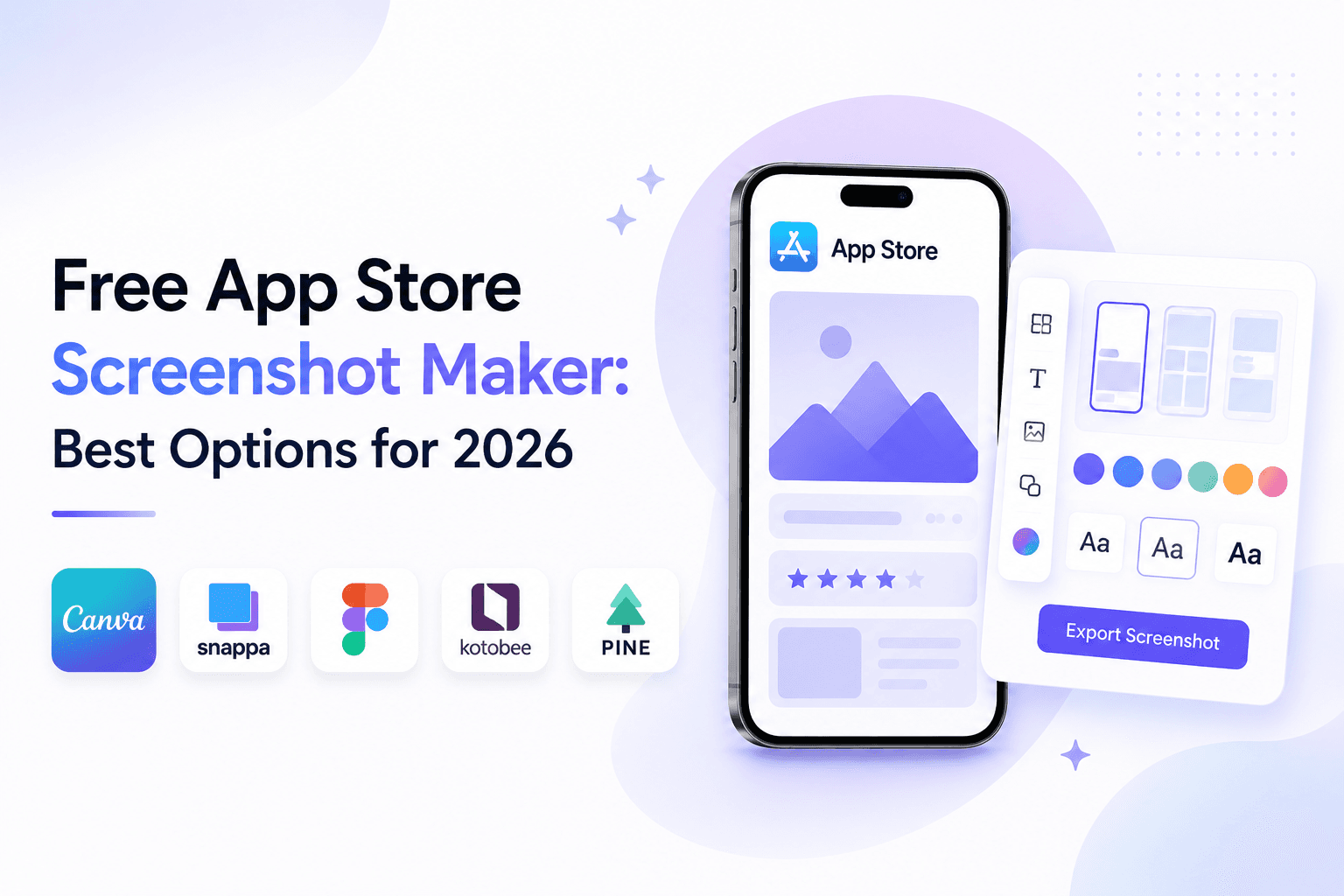
A free App Store screenshot maker can absolutely be enough for launch-quality assets, but only if it handles sizing, readability, and consistent visual structure. Here are the best free options with links, pros, and cons.
Minimum requirements for a free App Store workflow
At minimum, your tool should support valid iPhone screenshot dimensions, clean exports, and enough styling control to keep captions readable.
If the tool cannot preserve consistent spacing, frame style, and text treatment across multiple screenshots, your listing will look weaker even if technically valid.
Best option #1: Screenza
Official site: Screenza.
Pros: focused screenshot workflow, fast setup, practical for App Store-specific outputs, easy to iterate.
Cons: if you need highly custom illustration-heavy campaign scenes, you may still need a broader design tool in addition.
It is usually the strongest free-first option when you need to ship quickly and still maintain visual consistency.
Best option #2: Figma (free tier)
Official site: Figma.
Pros: high flexibility and control, good if you already have a design system.
Cons: slower setup for screenshot-only tasks and more manual dimension/export handling.
Figma free tier is useful for teams that already design in Figma, but it is not the fastest route for screenshot-only execution.
Best option #3: Canva (free tier)
Official site: Canva.
Pros: easy onboarding and quick edits for simple layouts.
Cons: weaker precision for App Store-focused sizing workflows and less repeatable for complex multi-screen sets.
If your screenshot strategy becomes more conversion-focused, you will likely want stronger template and export control than Canva provides.
Recommended free process (step-by-step)
Write one benefit message per screenshot first. Then choose one visual system (same font family, same color family, same frame approach) and apply it across the set.
Use Screenza to build and export first-pass screenshots quickly, validate readability on mobile, then refine copy and contrast before final upload.
Before submission, preview every screenshot at realistic device size and remove any caption text that feels dense or hard to scan in under two seconds.
Key takeaways
- Free tools can produce premium output if workflow is disciplined.
- Screenza is the strongest free-first option for screenshot speed.
- Figma and Canva are useful alternatives with tradeoffs.
- Prioritize consistency, message clarity, and readable typography.
- Always validate final exports before App Store submission.
Build faster
Create your next screenshot set in Screenza.
Use a template, replace the screens, edit the copy, and export polished App Store or Google Play screenshots without a design file.