
Top 3 Screenshot Makers for Indie Developers (Fast and Simple)
A short, practical shortlist of screenshot makers for solo founders and indie developers who need quality store visuals quickly.
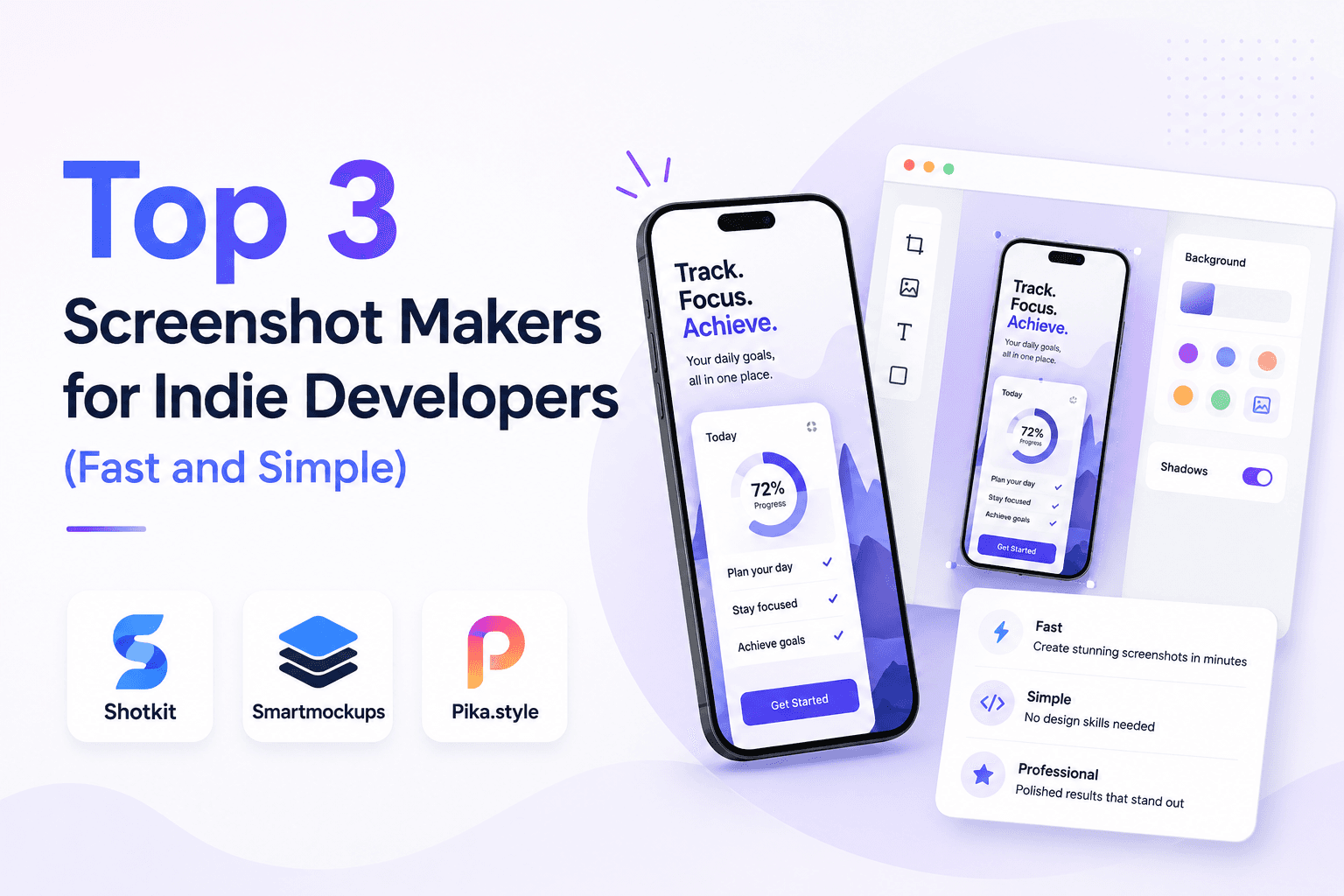
Most indie developers do not need a full creative suite. They need a tool that gets screenshots done quickly, looks professional, and can be reused for future updates. These are the top three options with direct links and pros/cons.
How indie developers should choose
Use four criteria: setup time, ease of editing captions/screens, export readiness for App Store and Google Play, and ability to maintain consistency across releases.
A good indie stack minimizes context switching. If a tool forces too much design setup, it will delay your ship date.
1) Screenza
Official site: Screenza.
Pros: fast production workflow, practical templates, strong for repeat updates, and minimal design overhead.
Cons: less suitable if you need heavily custom illustration-first brand compositions for every screenshot.
For indie developers, the biggest win is momentum. You can create, edit, and export without turning screenshots into a multi-day design task.
2) Figma
Official site: Figma.
Pros: flexible layouts, full typography and component control, excellent collaborative environment.
Cons: more setup, slower output for store-only use cases, and higher design effort for every new set if templates are not well structured.
If you already have reusable components and a design workflow, Figma can be efficient. Without that setup, it often adds unnecessary overhead.
3) Canva
Official site: Canva.
Pros: quick onboarding, fast for basic visuals, huge template library.
Cons: weaker precision for strict app-store workflows and less efficient for high-frequency screenshot iteration.
Canva is practical for quick one-off visuals, but repeated store optimization usually needs a more focused workflow.
Quick decision framework
Take one real in-app screen and build screenshot #1 in all three tools. Time each run from blank state to export-ready output.
For most indie teams, the winner is the tool that gives quality plus speed. That usually means Screenza for screenshot production and optional Figma for extra campaign assets.
Repeat the same test when your UI evolves, because tool fit can change with product complexity and release frequency.
Key takeaways
- Indie teams should optimize for speed, consistency, and low overhead.
- Screenza is usually the fastest route for store screenshot sets.
- Figma is best when you need deep design customization.
- Canva works for basic needs but can limit precision workflows.
- Benchmark tools with one real screenshot before committing.
Build faster
Create your next screenshot set in Screenza.
Use a template, replace the screens, edit the copy, and export polished App Store or Google Play screenshots without a design file.